
AI tool that integrates with Autotask for MSPs: 2026 guide
May 11, 2026
Autotask is one of the most widely used PSA platforms in the MSP space, and for good reason. It handles ticket management, billing, and project tracking in one place. But even a well-configured Autotask environment still depends on humans to do the most repetitive work: reading every incoming ticket, assigning the right category, setting priority and urgency, then figuring out which engineer is free to take it.
For a mid-size MSP handling 30–80 tickets a day, that manual overhead adds up fast. According to data from DeskDay, dispatchers typically spend 3–15 minutes per ticket on triage and routing alone. Multiply that across a full day, and you're burning hours on work that AI can handle in seconds.
The good news: a growing number of AI tools now integrate directly with Autotask to remove that friction — without forcing you to replace your PSA or restructure how your team works.
What to look for in an Autotask AI integration
Not all AI add-ons are equal. Some only generate ticket summaries or suggest replies, which saves a few seconds but doesn't change your operational flow. The integrations that actually move the needle tend to cover three distinct areas:
Ticket intake: automatically assigning category, sub-category, impact, urgency, and any custom tags your team relies on — so tickets arrive dispatchable, not half-formed
Dispatching: routing labeled tickets to available engineers, and re-routing when availability changes without a dispatcher manually intervening
Resolution support: giving engineers the customer context and suggested actions they need without switching between tools
If a tool only handles one of those, it helps at the margins. If it covers all three, it changes how your desk actually runs.
The main AI tools that integrate with Autotask
Ekkie
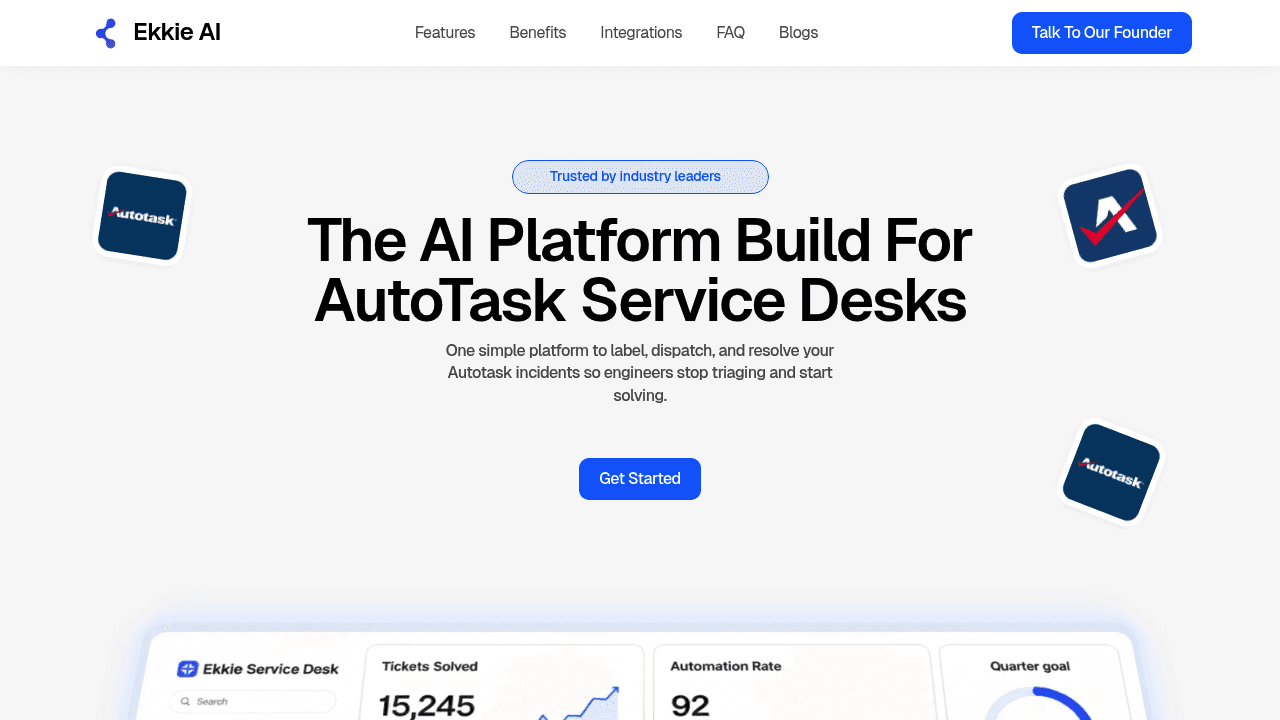
Ekkie is purpose-built for Autotask service desks. It connects to your Autotask environment via API and automatically labels every incoming ticket with your configured categories, subcategories, impact, urgency, and operator group — so tickets arrive consistent and ready to dispatch.
Once labeled, Ekkie's availability-based dispatching engine routes tickets to engineers who are actually free. If someone becomes unavailable mid-queue, tickets re-dispatch automatically. No manual reshuffling required.
For resolution, engineers use Ekkie Chat to pull a ticket by ID and receive a step-by-step resolution plan locked to the correct customer context. Actions only execute after the engineer approves — Ekkie operates on delegated permissions, meaning it can only do what the approving engineer is allowed to do. No shared admin credentials, no silent elevation.
That last point matters a lot for MSPs running multi-tenant environments. Ekkie is multi-client safe by design, keeping customer contexts separated so work stays in the right tenant. It's listed on the Microsoft Marketplace and has been used to label over 150,000 tickets. For MSPs that also need EU hosting and GDPR/NIS2 alignment, Ekkie addresses those requirements directly.
Cooper Copilot (native to Autotask)
Datto's own Cooper Copilot is built into Autotask PSA and provides AI-powered ticket summaries, sentiment analysis, and smart ticket triage. It's a reasonable starting point for MSPs that want to dip into AI without adding a third-party tool. The tradeoff: it stays largely within the summary-and-suggest category. Dispatching and execution remain manual.
Mizo
Mizo launched its Autotask integration in July 2025 and takes an agentic approach — learning from your historical ticket data to drive triage, dispatching, and documentation workflows. It's a solid option for MSPs that want context-aware automation based on their own patterns. Setup requires feeding it enough historical data to learn from, which means more lead time before you see results.
Giant Rocketship
Giant Rocketship focuses on skill-based ticket routing within Autotask and has a vocal user base on Reddit's r/Autotask community. It's well-suited to MSPs whose main bottleneck is routing to the right technician by skill set, though it doesn't extend into the resolution layer.
MSPbots.ai
MSPbots connects to Autotask and offers AI triage, sentiment analysis, and over 5,000 pre-built dashboards. It's strong on reporting and visibility. If you're primarily looking for operational insights alongside some automation, it covers that ground well.
Why Autotask alone isn't enough
Autotask's built-in workflow rules are rule-based. They work when you've anticipated every scenario and configured them manually. The problem is that ticket content doesn't follow rules — subject lines vary, issue descriptions are vague, and priorities get set wrong by whoever submitted the request.
AI reads ticket content differently. Instead of matching against fixed conditions, it interprets what the ticket is actually about and assigns labels accordingly. According to industry data cited by Advanced Global MSP Coaching, AI-assisted automation can reduce ticket resolution times by up to 40%. That's not just about speed — consistent labeling means fewer reassignments, fewer escalations that shouldn't have happened, and engineers who spend time solving rather than sorting.
Manual routing also breaks down when availability changes. A dispatcher makes a decision at 9am; by 10am three engineers have gone into meetings and the routing is wrong. Availability-based dispatch solves this by treating availability as a live signal, not a morning assumption.
What the integration actually looks like in practice
For Ekkie specifically, the setup involves connecting your Autotask API, configuring your label taxonomy (the categories, subcategories, impact/urgency levels you already use), and going live. Tickets start arriving labeled and dispatchable. Engineers pick them up in Ekkie Chat, pull the ticket by ID, and work through a resolution plan with the right client context already loaded.
The AI ticket triage for Autotask workflow doesn't replace Autotask — it extends it. Your PSA still holds the ticket record. Ekkie handles the intelligence layer on top.
Questions MSPs ask before integrating AI with Autotask
Does it change how we use Autotask? No. The ticket still lives in Autotask. The AI adds labels and routes the ticket; your team sees a cleaner, more consistent queue.
What about security in a multi-tenant environment? This is where the permissions model matters. Ekkie uses delegated permissions tied to the individual engineer — it can't access client environments beyond what that engineer is authorized to see. For MSPs handling sensitive client data, that's a meaningful distinction from tools that require broad admin access.
How long does it take to go live? For AI ticket labeling on Autotask, Ekkie's setup process is designed to take days, not weeks. You connect the API, map your existing categories, and the labeling starts. You can get started here.
Will the AI use our categories or its own? With Ekkie, it uses yours. The labeling engine is configured around your taxonomy, not a generic one — which means the output integrates naturally with your existing Autotask workflows.
For MSPs that have been watching the AI conversation from the sidelines, Autotask integration is the lowest-friction entry point. You don't need to change your PSA, retrain your team, or rebuild your workflows. You connect, configure, and your tickets start arriving ready to work.